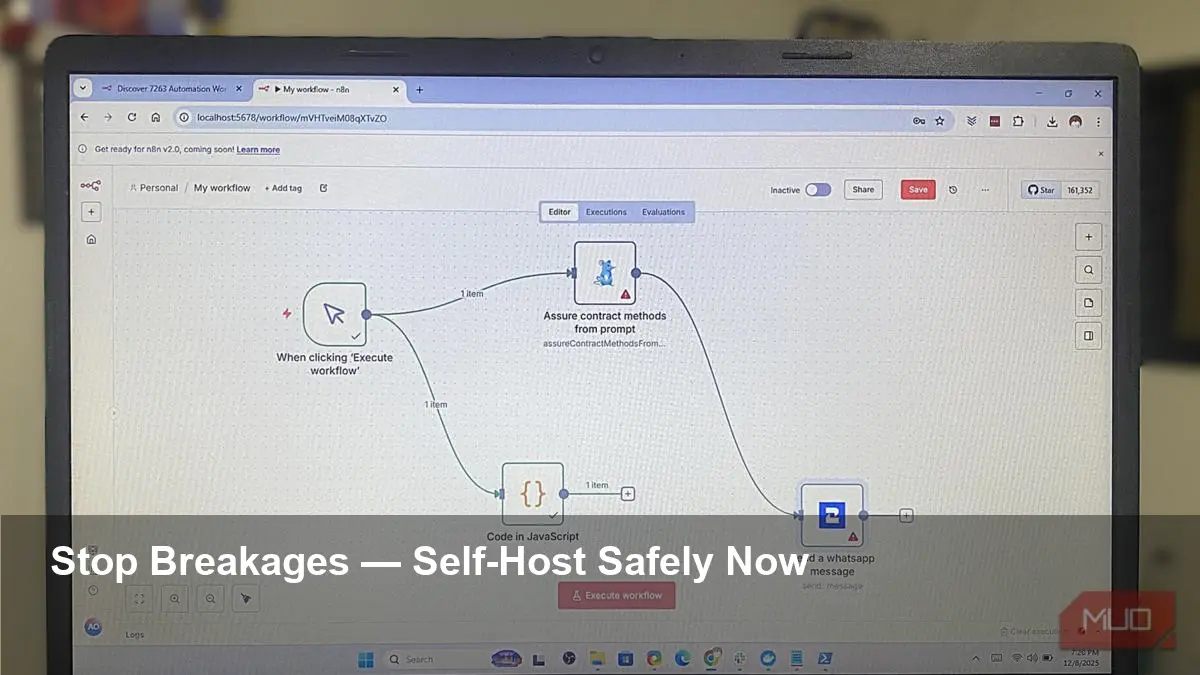
- Keep automations stable by running them in containers with pinned versions.
- Use persistent storage, backups, and health checks to prevent silent failures.
- Test updates in a staging environment and roll out changes gradually.
- Monitor, alert, and automate restarts to reduce downtime.
Simplest way to self-host automations without breaking them
Automations can dramatically boost productivity, but when you host them yourself, small changes or updates can break workflows and cost hours of troubleshooting. The good news: you can dramatically reduce breakage with a few practical, low-effort practices focused on stability, version control, and monitoring.
1. Containerize and pin versions
Run your automation platform inside containers (Docker is the most accessible option). Containerization isolates dependencies and ensures your runtime is consistent across machines. Crucially, pin the container image and any dependency versions instead of using the “latest” tag. This prevents an automatic upgrade from introducing breaking changes overnight.
2. Use persistent storage and configuration as code
Automations often rely on databases, credentials, and file state. Ensure those are stored on persistent volumes that survive container restarts. Keep configuration in code (YAML, JSON, or environment files) and store it in a Git repository so you can track changes, roll back, and review updates before applying them.
3. Build a small staging environment
Never update production immediately. Run a scaled-down staging copy of your automation stack where you apply updates, test integrations, and validate edge cases. This adds a tiny extra step but prevents most surprises when a new version introduces changes.
4. Automate restarts and health checks
Configure your orchestrator (Docker Compose, systemd, or Kubernetes) to restart on failure and expose health endpoints that the orchestrator can probe. If a workflow or service becomes unresponsive, an automated restart often restores functionality without manual intervention.
5. Backup regularly and version data
Back up databases, credential stores, and essential config on a schedule. Keep multiple restore points. If an update corrupts state, you’ll want to revert both code and data quickly.
6. Monitor, log, and alert
Invest in lightweight monitoring (Prometheus + Grafana, lightweight SaaS, or simple uptime checks). Centralized logs and alerts (via email, Slack, or SMS) let you detect failing automations early and respond before users notice.
7. Keep secrets and access secure
Use a secrets manager or environment variables stored securely. Limit who can change production configuration and enable audit logs so you can trace the source of changes that lead to problems.
Practical defaults to adopt today
- Run in Docker with pinned versions and Compose or systemd for restarts.
- Keep configuration & credentials in Git and a secure secrets manager.
- Set up health checks, backups, and a small staging environment.
Following these straightforward steps lets you self-host automations without constant breakage. The payoff is fewer surprises, faster recovery, and more time to improve workflows instead of firefighting them.
Image Referance: https://www.makeuseof.com/this-simplest-way-to-self-host-automations-without-breaking-them/